

Preparation and combat are separate
The home screen has BATTLE. The preparation view contains a socket grid, a STORE row, REROLL and FIGHT. Inspect the pieces offered and the spaces already occupied before starting combat.
Watch a wave before changing the build
The combat view is labelled Wave 1/6 with opposing units and health indicators beneath the preparation grid. Compare where your formation struggles before changing several pieces.
Distinguish gear, troops and appearances
The bottom navigation separates SHOP, TROOPS, PLAY, DAILY REWARD and GEAR. The gear menu shows multiple upgrade cards; the troops menu separates Soldier Skins and Soldier Levels. Check the relevant category rather than assuming a skin purchase increases combat statistics.
Screenshots explained
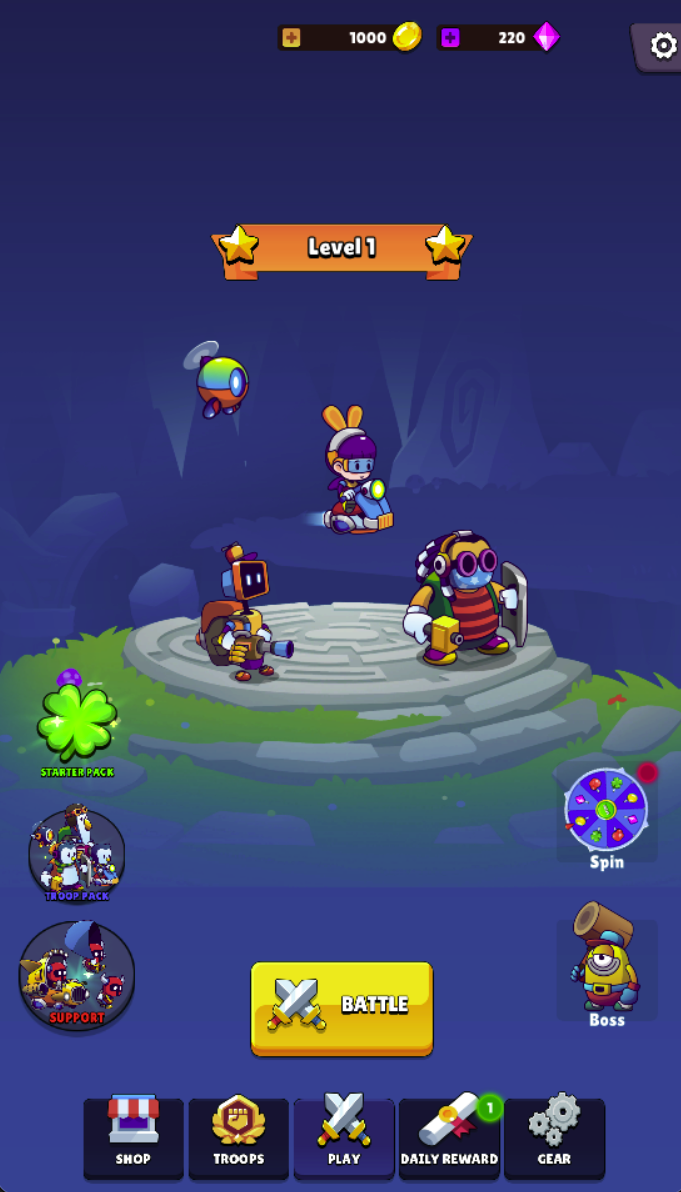
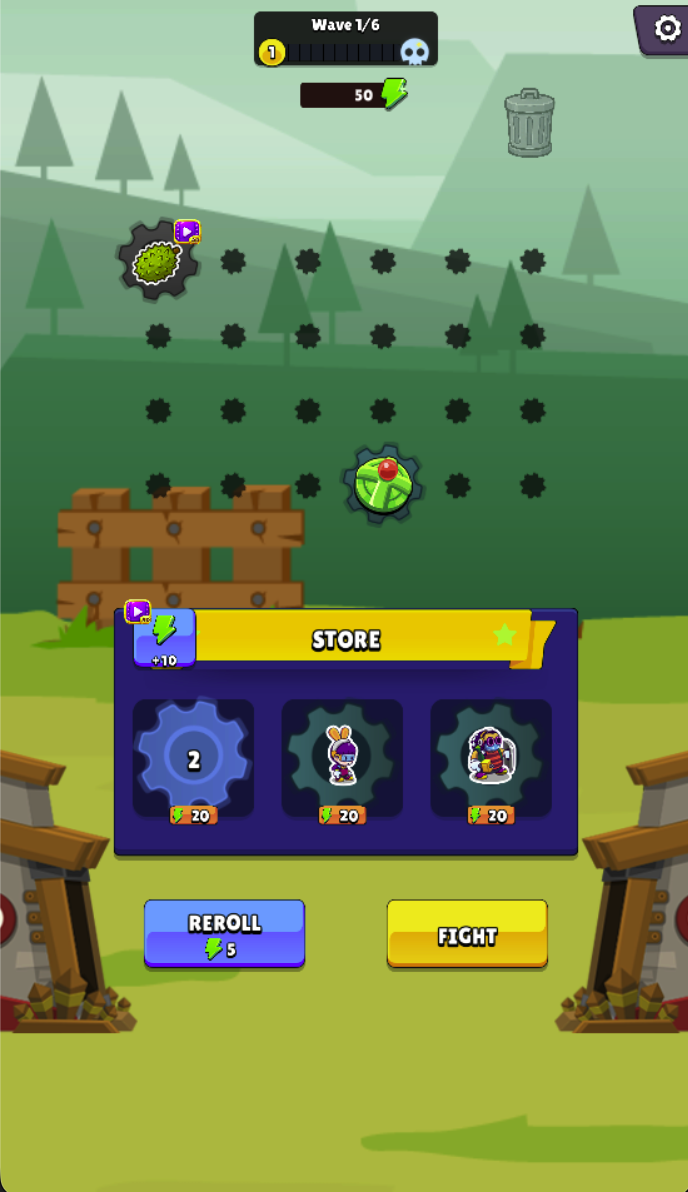
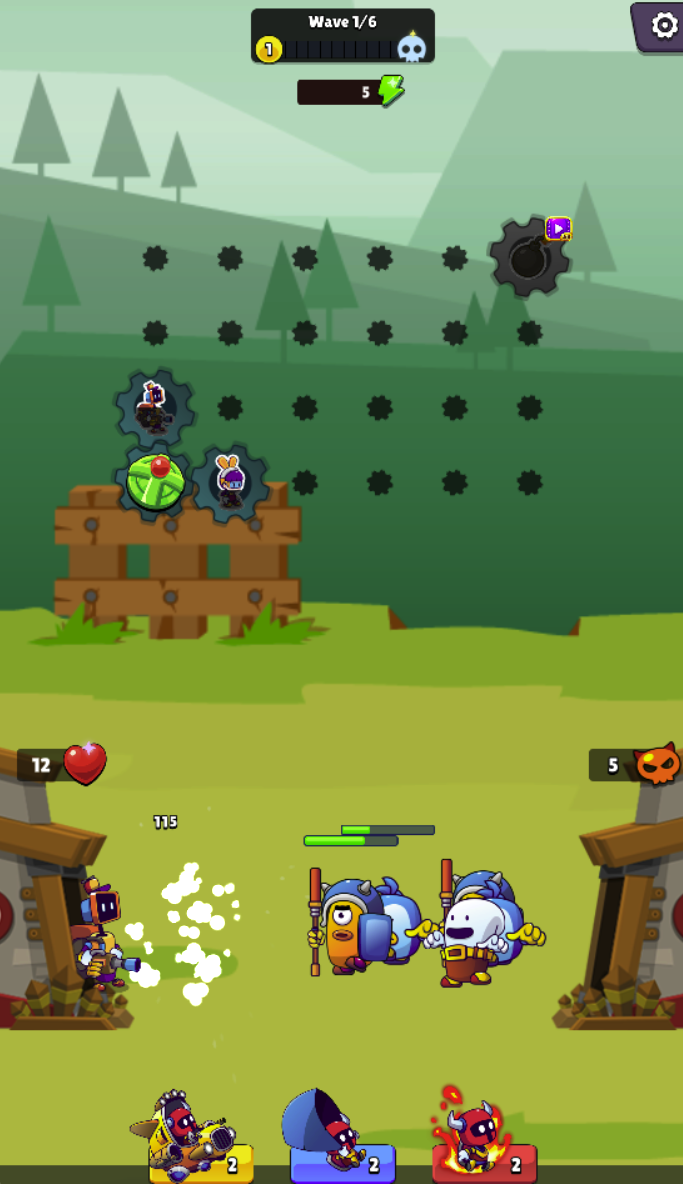
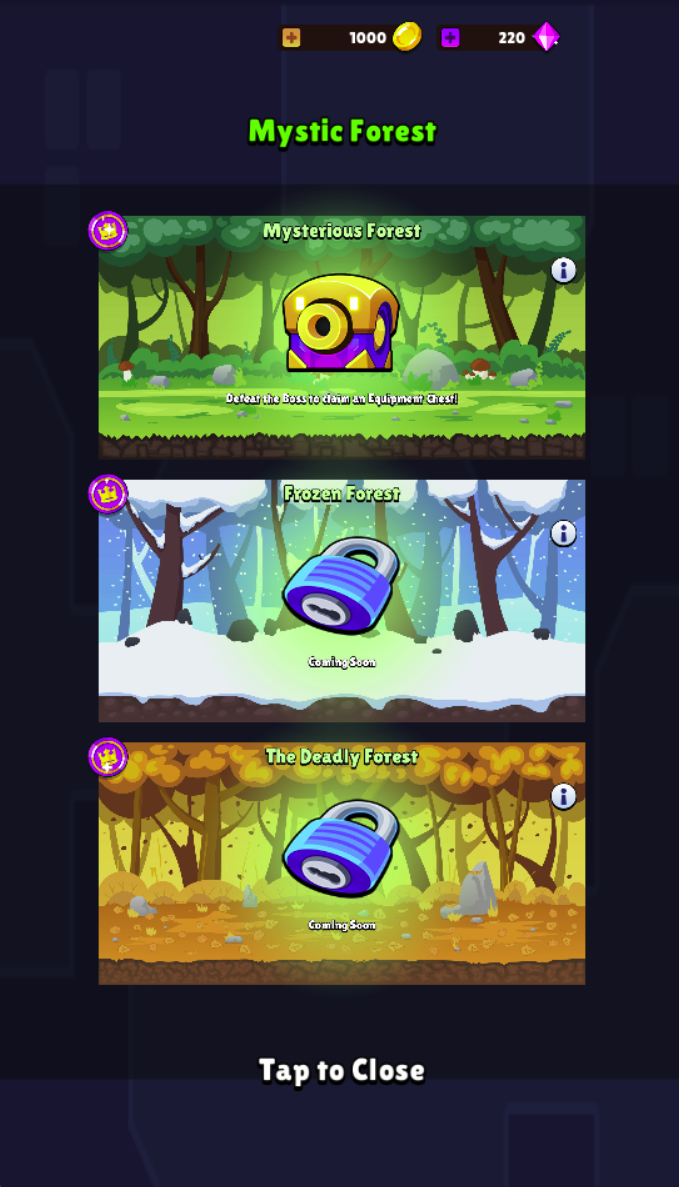
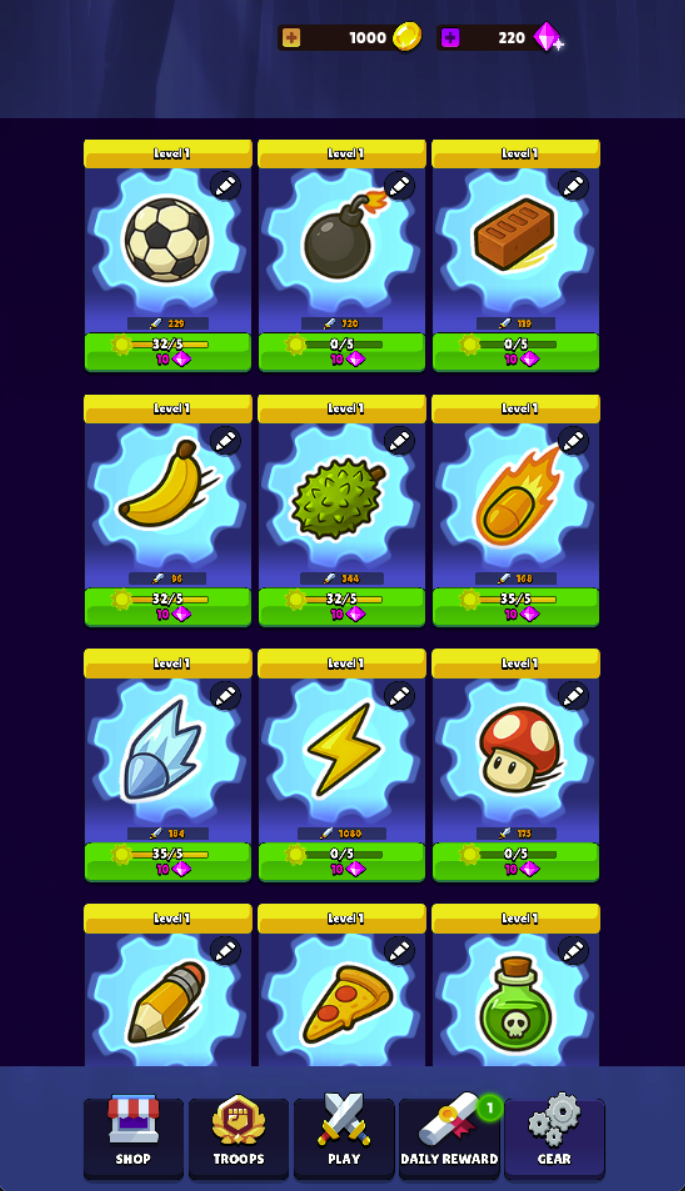
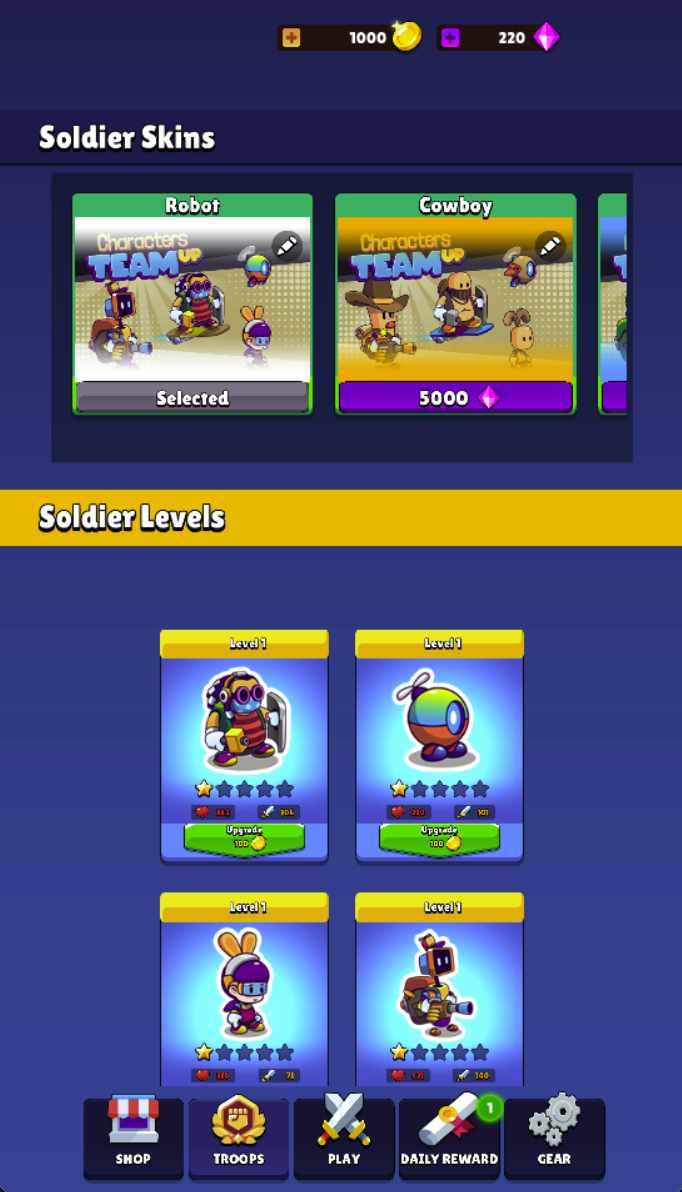
Loading, progress and support
Select Play above to load the game. If it stalls or inputs do not reach the game, try the direct link and include your device, browser and the point where loading stopped in a problem report.
Related reading
Gear Battle: compare a preparation change with a wave result