

The tool tray changes with the scene
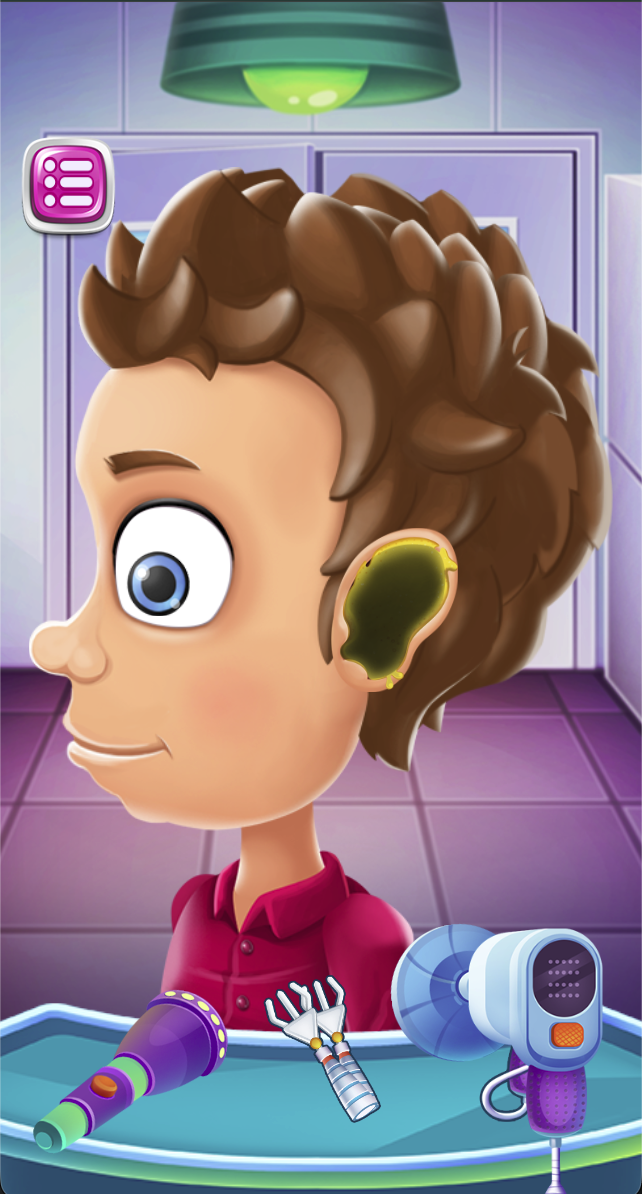
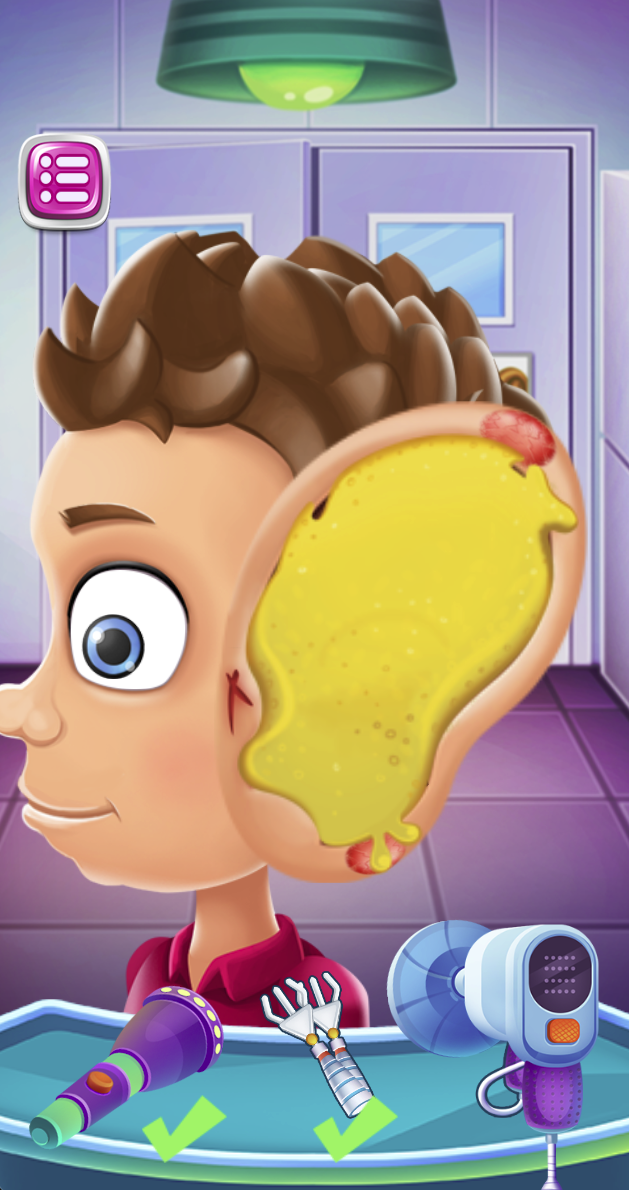
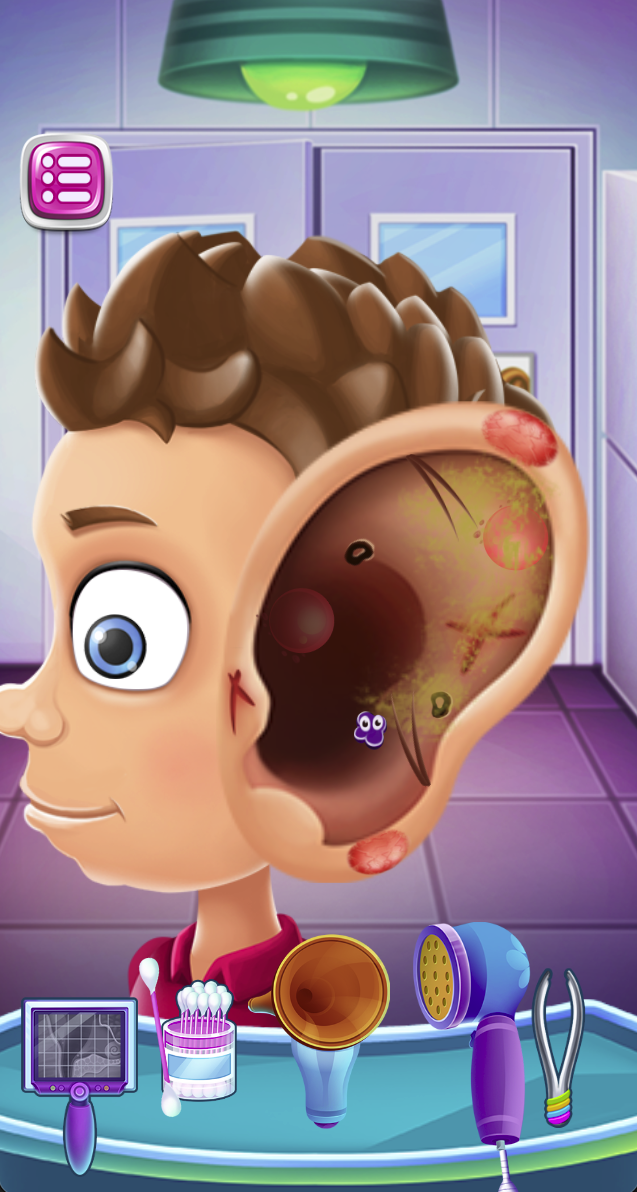
The first capture shows a patient and three tools along the lower tray. Later captures enlarge the ear and replace the tray with another group of tools. Inspect the current problem area and tray before selecting a tool from memory.
Use completion marks as task feedback
The middle capture shows green checks under tools already used. Use those marks to distinguish completed actions from work still remaining.
The inner-ear stage is a separate task view
The final capture opens a deeper cartoon ear view with a new tool set. Reassess which target and tool belong together at that stage. Follow the task prompts and use the current tray to finish this cartoon stage.
Screenshots explained
Loading, progress and support
Select Play above to load the game. If it stalls or inputs do not reach the game, try the direct link and include your device, browser and the point where loading stopped in a problem report.